
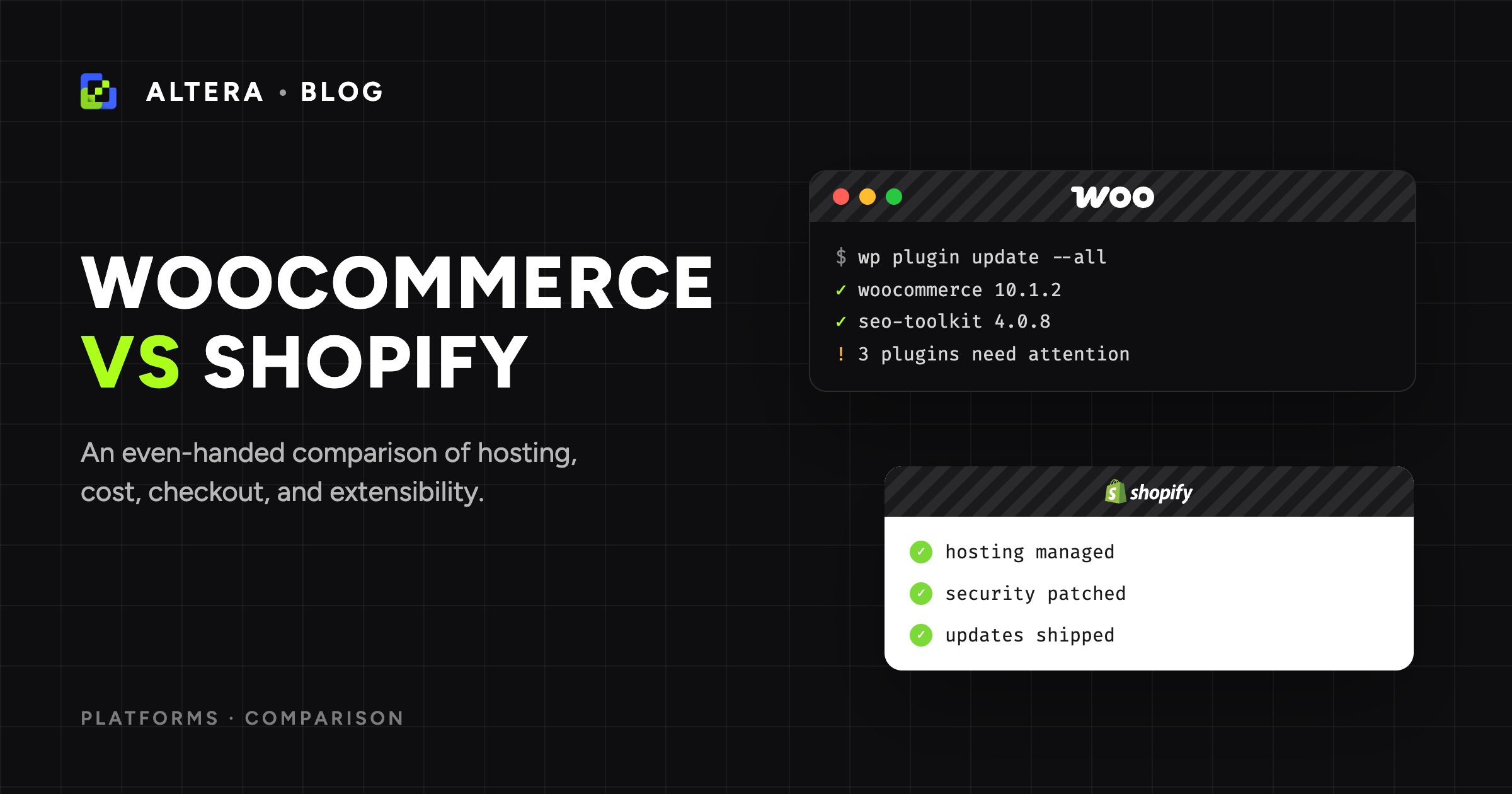
WooCommerce and Shopify are the two platforms most stores choose between, and the honest answer to which is better is that it depends on what you want to own. WooCommerce is a plugin you run on your own WordPress hosting; you control everything and you maintain everything. Shopify is a hosted service; you control less and maintain less. Neither is the wrong choice, but they are different trades.
This is a straight comparison, not a sales pitch. If by the end you decide to move to Shopify, the last section points you at how to bring your data across, because that is the part that takes real work.
The core difference: self-hosted plugin vs hosted platform#
WooCommerce is a free, open-source plugin for WordPress. You install it on hosting you arrange, on top of a WordPress site you run. You own the database, the code, and the server. Nothing is locked down, and nothing is managed for you.
Shopify is a hosted commerce platform. You pay a monthly fee, and in exchange the hosting, security patches, PCI compliance, uptime, and platform updates are Shopify’s job, not yours. You build your store inside the boundaries Shopify sets.
Most of the differences below come back to this one. WooCommerce gives you control and hands you the maintenance. Shopify takes the maintenance and hands you constraints.
Hosting and maintenance#
With WooCommerce, you choose a host, size the server, and keep WordPress, WooCommerce, the theme, and every plugin updated. You are responsible for backups, for security hardening, and for fixing the site when a plugin update conflicts with another. A WooCommerce store that is well run is fast and fully under your control. A WooCommerce store that is neglected gets slow, breaks, or gets compromised, and that is on you.
With Shopify, there is no server to manage and nothing to patch. Updates ship without you doing anything, and the platform stays compatible with itself. The trade is that you cannot reach into the server or the database, and you work within what the platform exposes.
If you have the technical capacity (or an agency) to run infrastructure and you want full control, WooCommerce rewards it. If you would rather not think about servers and patches, Shopify removes that work.
Cost of ownership#
The WooCommerce plugin is free, which makes it look cheaper up front. The real cost is the sum of the parts: hosting, a theme, the paid plugins that add what the core does not (bookings, subscriptions, advanced shipping), an SSL certificate, and either your time or a developer’s to keep it all running and updated. A serious WooCommerce store is a collection of paid pieces plus maintenance, not a free product.
Shopify charges a predictable monthly fee that includes hosting, security, and the core commerce features. You still pay for apps and a theme, but the base platform and its upkeep are one line item. There are also transaction considerations: using a payment provider other than Shopify Payments can add a fee, which matters at volume.
The fair summary is that WooCommerce can be cheaper if you already run WordPress infrastructure and your needs fit the core plus a few plugins, and Shopify is more predictable because the platform costs and maintenance are bundled and known in advance. Run your own numbers against your actual plugin and hosting list rather than trusting either platform’s headline.
Checkout, B2B, and AI#
Checkout is where the difference is most visible. Shopify’s checkout is a managed, high-converting flow that you cannot deeply rewrite, which is the point: it is tuned, fast, and consistent, and features like its accelerated checkout work out of the box. WooCommerce’s checkout is yours to modify all the way down, which means you can build exactly the flow you want and you own the work of building and maintaining it.
For B2B and wholesale, both can do it, but the path differs. Shopify has native B2B features on its higher tier (company accounts, price lists, payment terms). WooCommerce reaches B2B through plugins, which gives flexibility and adds pieces to maintain.
On the newer ground (AI-assisted merchandising, agent-driven shopping, structured product data), Shopify has been shipping platform-level features, while WooCommerce’s answer is, as usual, a plugin ecosystem. Which you prefer depends on whether you want the platform to provide these or to assemble them yourself.
Extensibility#
This is WooCommerce’s strongest argument. Because it is open WordPress, you can change anything: the database, the templates, the checkout, the admin. The plugin ecosystem is enormous, and if something does not exist you can build it. For a store with unusual requirements that do not fit a hosted platform’s mold, that openness is hard to match.
Shopify is extensible too, but within its model: themes, apps, and its APIs. You can build a great deal, but you build it the Shopify way, and some things the platform simply does not let you change. For most stores that boundary is invisible. For a store with deep custom requirements, it can be a wall.
A quick way to decide#
- Lean WooCommerce if you already run WordPress, you want total control of hosting and code, your requirements are unusual enough to need open extensibility, and you have the technical capacity to maintain it.
- Lean Shopify if you want hosting, security, and updates handled for you, you value a predictable monthly cost and a high-converting managed checkout, and you would rather spend your time on the store than on the stack underneath it.
Plenty of successful stores run on each. The question is not which is better in the abstract; it is which trade fits how you want to spend your time and money.
If you are switching, the data is the hard part#
If you have decided to move from WooCommerce to Shopify, the platform decision was the easy half. Rebuilding the theme, picking apps, and setting up the new store is normal store-build work. The part that has to survive the move intact is the data: products and their variants, categories, customers, years of order history, coupons, reviews, and the URLs that hold your search rankings.
That is a focused job with its own guide. The WooCommerce to Shopify migration guide covers the whole move from the data side: connecting to your WooCommerce store, pulling everything into a spreadsheet you review before anything touches Shopify, and importing it in the right order. From there, the deeper pieces:
- Migrating WooCommerce products to Shopify, including how variable products become Shopify variants.
- Building a WooCommerce to Shopify redirect map, so your URLs do not 404 and your rankings survive.
- Importing WooCommerce orders into Shopify, with the side effects to turn off first.
Choose the platform on the trade that fits you. If that is Shopify, move the data carefully and the switch is a normal launch rather than a month of cleanup.