
Every store builds up small problems that never announce themselves. An SEO title so long Google truncates it. A batch of images with no alt text. A sale that ended months ago but still shows a strikethrough price. None of these break anything loudly, so none of them get noticed, until a shopper or a search result notices for you.
The usual way to find them is to export everything and scroll. The faster way is to just ask. Because Altera connects to Claude, you can put questions to your store in plain language, like “which SEO titles are too long?”, and Claude answers by pulling the exact slice of data it needs. The worst thing a bad question can do is give you a useless answer.
We’ve used this same connection to clean up messy supplier files and write SEO titles in bulk. This is the opposite of those: you’re not changing anything, just looking.
Short version: connect Altera to Claude with read-only access, point it at your store, then ask plain-language questions about what’s missing or misconfigured. Claude answers right in the chat. When you find problems worth fixing, have it export just those rows into a spreadsheet you can work from.
One thing to set up first. This runs in a chat, so connect Altera to Claude as an MCP connector; the setup guide takes a couple of minutes. The questions below only read your data, but to make that a hard guarantee rather than a promise, give the connection read-only permissions when you set it up. With a read-only key, a write can’t happen even by accident, which is what makes it safe to run this on your live store instead of a copy.
Start by pointing Claude at your store#
A quick confirmation, so you know which store you’re asking about.
Use Altera. Which shop am I connected to?Claude reports the store. Now you can start asking. Most stores share the same handful of issues, so here are five questions worth running first. The first four are about SEO, where the easy wins usually are.
Which products have no SEO title or meta description?#
Shopify keeps your SEO title and meta description as metafields, and most stores leave them blank, which means Google writes its own from whatever it can find. Worth knowing how many.
How many active products have an empty SEO title or empty meta description?
Give me the count for each and a short sample.Claude reads the global.title_tag and global.description_tag metafields and tells you how many are blank, with a few examples. If it’s a lot, that’s a job you can hand straight back to Claude: see writing SEO titles and descriptions with AI.
Which SEO titles or descriptions are too long?#
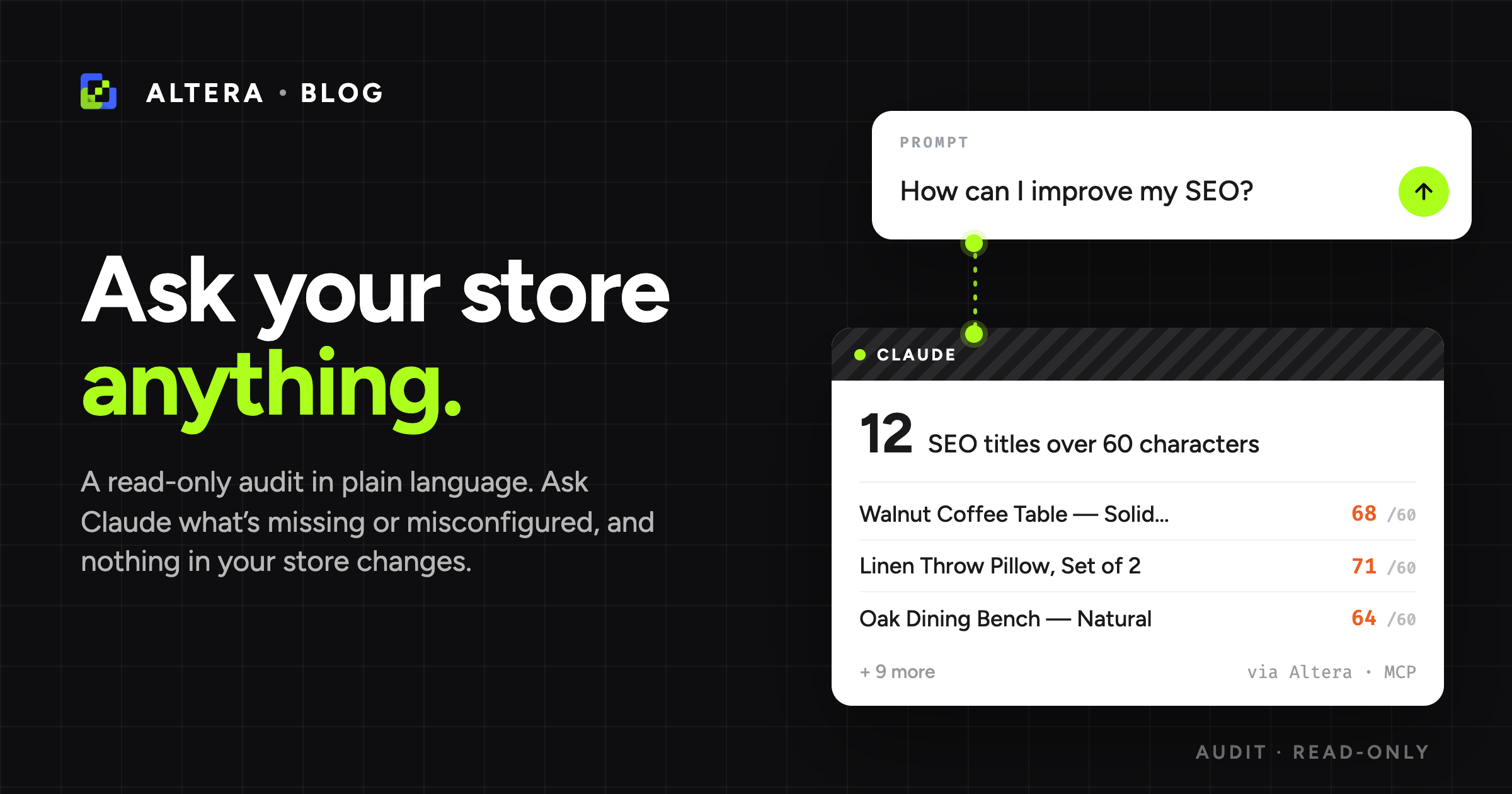
Google cuts off titles past roughly 60 characters and descriptions past about 160, so anything longer gets truncated mid-sentence in search results. It’s one of the most common and most visible SEO issues, and one a simple filter can’t catch.
Which products have an SEO title over 60 characters, or a meta description over
160? Give me a count and a sample with each one's length.Here Claude does more than filter: it pulls the fields in a read-only export and measures them, then lists the ones running long. Still nothing changed, just reading and counting.
Which images have no alt text?#
Alt text is how search engines read your images and how screen readers describe them, and almost nobody audits it. Bulk imports and supplier feeds rarely include it.
Which product images have no alt text? Give me a count and a sample of the
products they belong to.Claude flags the images missing alt text so you can start with your best-selling products and work down.
Which products have duplicate SEO titles or descriptions?#
Templated stores end up with the same SEO title or description across dozens of products, and search engines treat near-duplicates as a quality problem. These stay invisible until something compares them side by side.
Which of my products share the same SEO title or meta description as another
product? Group the duplicates and give me a count.Claude exports the fields and compares them, then groups the matches so you can see which templates keep repeating.
Which products have a broken sale price?#
A sale shows on your storefront when a product’s compare-at price sits above its actual price, so Shopify can draw the strikethrough. After a sale ends or a bulk reprice, that compare-at price often gets stranded at or below the new price, so the strikethrough is either meaningless or, worse, advertises a “discount” that’s really a markup.
Which products have a compare-at price that's set but not higher than the actual
price? Give me a count and a sample with both prices.Like the length and duplicate checks, this is Claude analyzing a read-only export rather than running a filter: it compares the two prices and lists the products where the sale is broken, so you can clear the stale compare-at price or reinstate the real discount.
Turn the findings into a fix list#
An answer in the chat is enough to size up a problem. When you’re ready to act on one, have Claude export just the flagged rows into a spreadsheet, so you have a working list instead of a wall of text.
Export the products whose SEO title is too long to a spreadsheet, with title,
handle, the current SEO title, and its length, so I can shorten them.From there you’re back in familiar territory: edit the file, then import it. That’s the messy-spreadsheet cleanup workflow, except the data is already yours and clean, so you’re only making fixes. Import it as a draft first, the same way, so you can check the result before anything goes live.
A few more worth asking#
Same idea, different question:
- Products with no category set, which affects filtered navigation and marketplace feeds.
- Collections that are empty or nearly empty, the dead ends in your navigation.
- Products that aren’t in any collection, so they only surface through search.
- Duplicate SKUs across different products, which break inventory and reporting.
- Products still in Draft that were meant to go live weeks ago.
- Variants out of stock but still on Deny, a Continue vs Deny call worth making deliberately.
Running this across a dozen client stores, or on a schedule? The same questions work through the CLI, not just the chat.